
How to use plugins in GarageBand
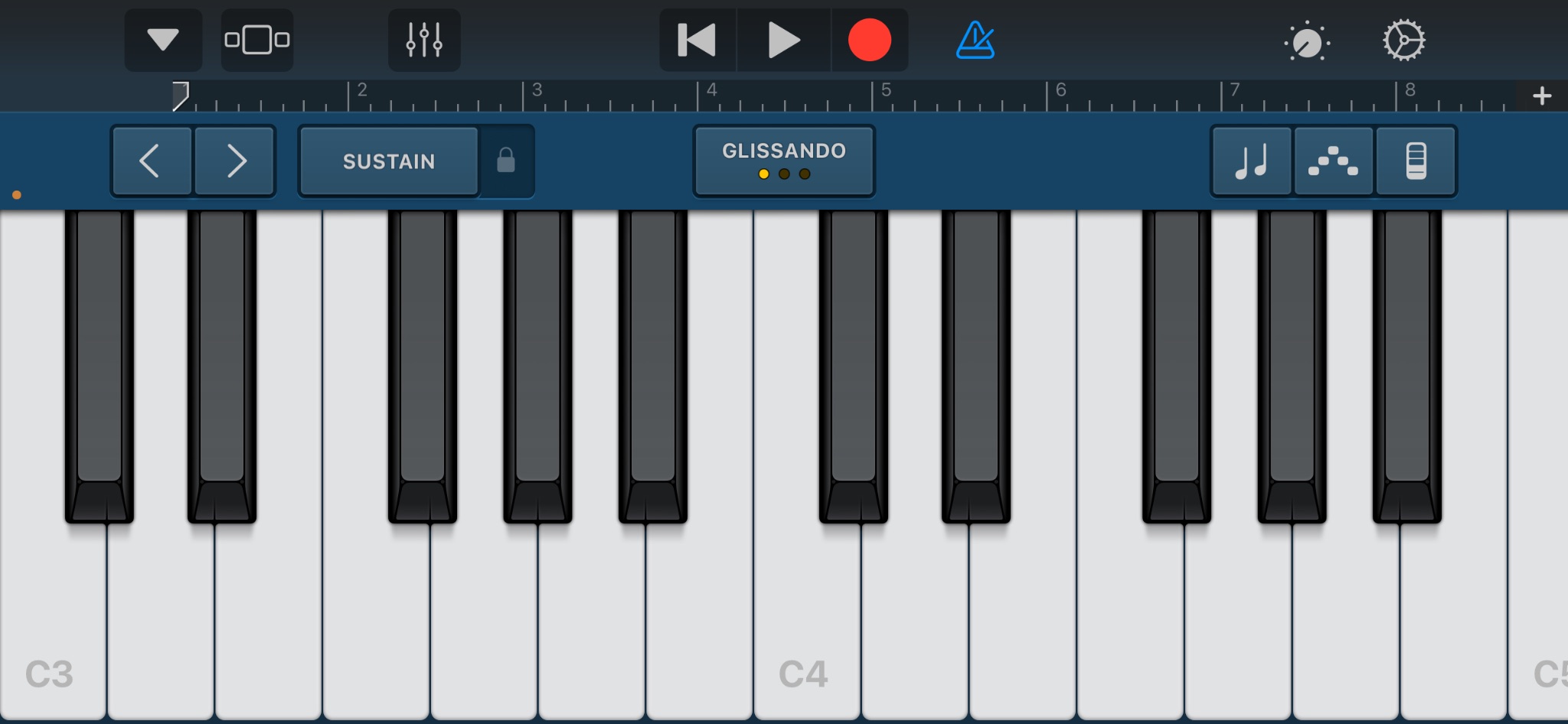
GarageBand is a lot more expandable than it first appears. A plugin is essentially a piece of music software that runs inside GarageBand and gives it a new capability. That might mean adding a synthesizer, sampler, compressor, vocal effect, distortion tool, reverb, or something much more experimental. Instead of replacing GarageBand, plugins extend what it can do. And importantly, you do not need Logic Pro to use them. On Mac, GarageBand supports Apple’s Audio Unit, or AU, plugin format, which is also widely used in professional music production.
Plugins can change the way you work with sound in almost any direction. An effects plugin can reshape a piano recording with distortion, delay, granular processing, or unusual textures. A virtual instrument can add an entirely new synthesizer or keyboard. A sampler can turn a recording from your phone into something playable. Increasingly, plugins are also incorporating machine learning and other forms of AI to analyze and manipulate audio in ways that would have been much harder to do manually.
One recent example comes from the production around Charli XCX’s “No One Lasts Forever.” Her collaborators described recording an experimental jam session and then running some of those sounds through DataMind Audio’s Concatenator, a machine-learning sampling plugin. Concatenator uses a technique called audio mosaicing: it analyzes characteristics like pitch, amplitude, and timbre, then selects tiny pieces from a library of sounds and rearranges them to follow another audio signal. In practical terms, that means a messy recording session can become raw material for completely new rhythms, textures, and sample-based sounds.
That same idea can work inside GarageBand. You could record yourself improvising on piano, install a compatible AU plugin, and then use that recording as source material rather than simply treating it as a finished piano track. Depending on the plugin, the performance could become chopped percussion, a strange ambient texture, a rhythmic sample, or something that barely resembles the original instrument at all. Plugins are especially useful because they let you keep the simple GarageBand workflow while borrowing individual tools from much more advanced production environments.
To use one, install a plugin that includes an Audio Unit version, then reopen GarageBand. Select a track, open Smart Controls, find the Plug-ins section, and choose the plugin from the Audio Units menu. Once it is loaded, it becomes part of the project just like GarageBand’s built-in effects. GarageBand can still remain simple when you want it to. Plugins simply give you more doors to open when you want to experiment.
Comments
Join the conversation.
Loading…